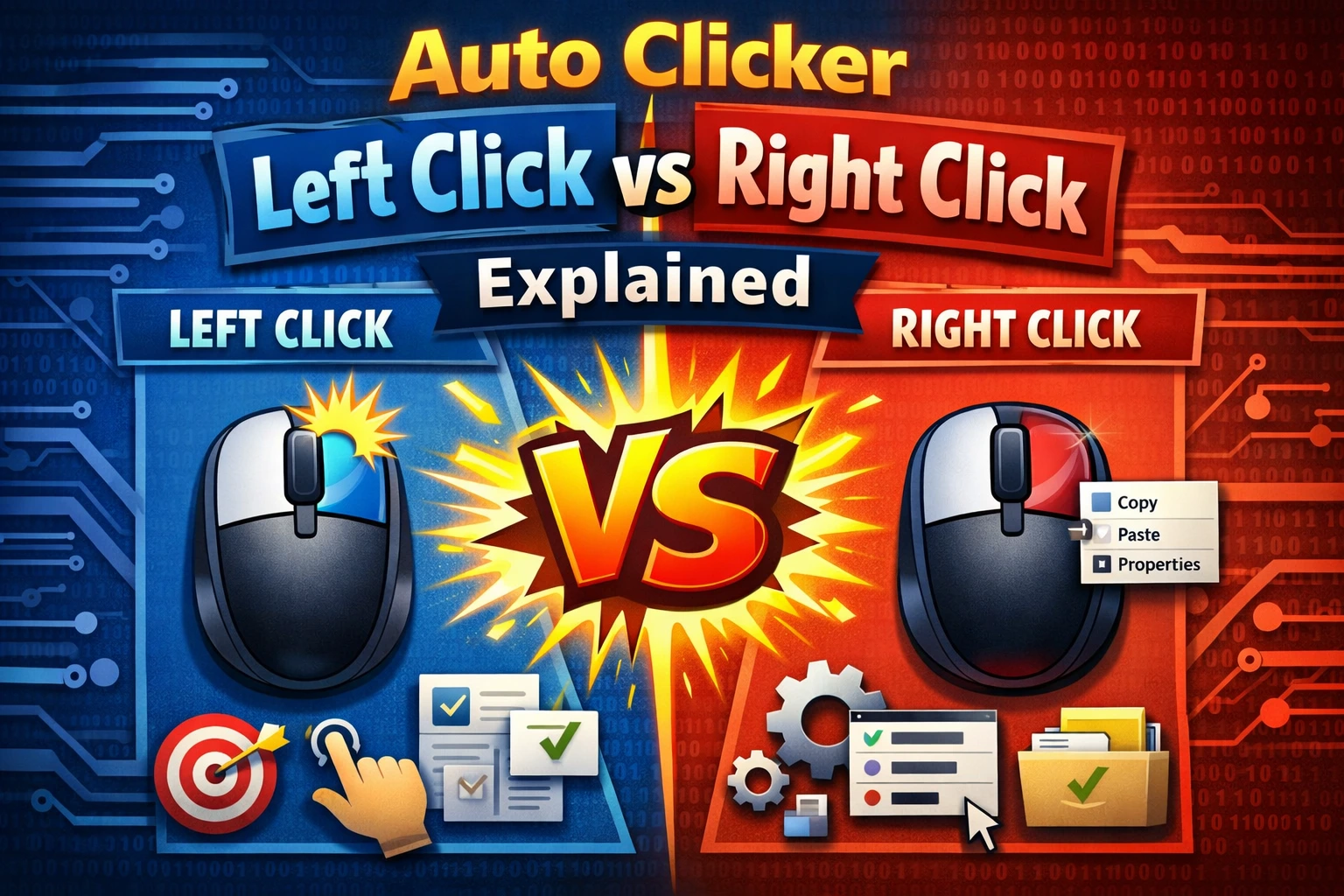
Left click and right click automation use the same timing and repeat controls, but they trigger different actions in Windows and most applications. Choosing the correct button is important because a right click may open a menu while a left click immediately activates a command.
The short answer
- Choose left click for primary actions such as selecting, pressing a button, or confirming a normal command.
- Choose right click for secondary actions and context menus.
- Choose middle click for specialized functions such as opening browser links in a new tab.
If you are unsure, perform the action once by hand. The button you use manually is usually the button the auto clicker should repeat.
When to automate left clicks
Left click is the default for most repeated tasks. Common examples include:
- Pressing the same desktop or web button repeatedly.
- Advancing through a controlled test screen.
- Selecting cells or controls in a fixed sequence.
- Clicking one or more positions in a productivity workflow.
- Repeating an allowed action in a game.
Start with the Single event type. Double click should be used only when the target normally requires it, such as opening a desktop file or folder. Sending double clicks to a normal button can activate it twice.
When to automate right clicks
Right click usually opens a context menu or triggers a secondary control. It is useful when:
- A test must repeatedly open a context menu.
- A drawing or design application assigns a tool to right click.
- A game maps an allowed action to the secondary mouse button.
- A workflow needs the first step of a right-click menu sequence.
Right-click automation is more context-dependent than left click. The first right click can open a menu that covers the original target. If the next automated click uses the same coordinate, it may choose a menu item unexpectedly.
For menu workflows, use multiple points or record the complete sequence: right click the object, move to the intended menu item, and left click that item.
What about middle click?
Middle click is commonly produced by pressing the mouse wheel. Depending on the app, it may:
- Open a link in a new browser tab.
- Close a browser tab.
- Enable auto-scroll.
- Pan a canvas or 3D view.
Because behavior varies, test middle click with a small repeat count. Avoid continuous middle clicking in an app unless you understand its shortcut.
Mouse button and event type are separate settings
The mouse button selects which physical control is simulated. The event type selects how it is activated.
| Button | Single event | Double event |
|---|---|---|
| Left | Press a normal button once | Open a file or activate a double-click control |
| Right | Open a context menu once | Rarely required; can create unexpected results |
| Middle | Trigger the app’s wheel-click action | Rarely used |
For most tasks, use a single left click. Change only when the manual workflow clearly requires another combination.
Combining left and right click actions
A simple timer repeats one selected mouse button. A recorded script can combine different buttons with mouse movement and keyboard input. For example:
- Right click a file.
- Move to a context-menu command.
- Left click the command.
- Press a keyboard shortcut in the next dialog.
Record the sequence slowly first, replay it at normal speed, and check every step. If the interface can move or change, keep the workflow supervised.
Recommended settings for the first test
Use a 500 ms interval, one click point, and 10 repetitions. Confirm that the selected button produces the expected manual action, then tune the speed. Our beginner settings guide provides a complete baseline.
The safest rule is simple: automate the same input you would use by hand, at a speed the target application can reliably process.