An auto clicker is a utility that sends mouse input automatically. Instead of pressing a mouse button hundreds of times by hand, you choose the button, timing, position, and stopping rule, then let the software repeat the action.
Auto clickers are used for repetitive desktop work, accessibility workflows, software testing, and permitted game actions. More advanced tools can also record mouse movement and keyboard input to replay a complete sequence.
How an auto clicker works
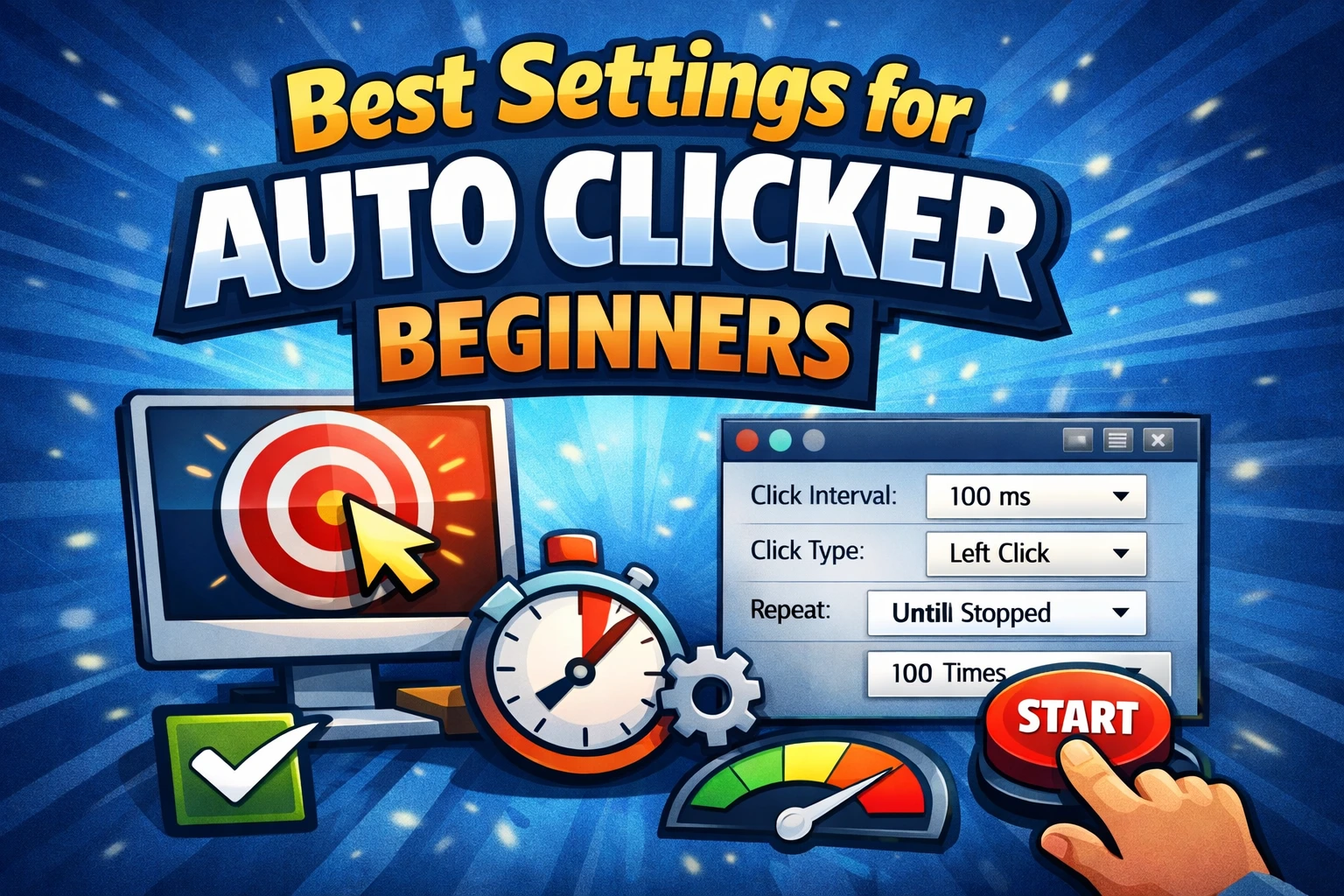
A basic clicker combines four settings:
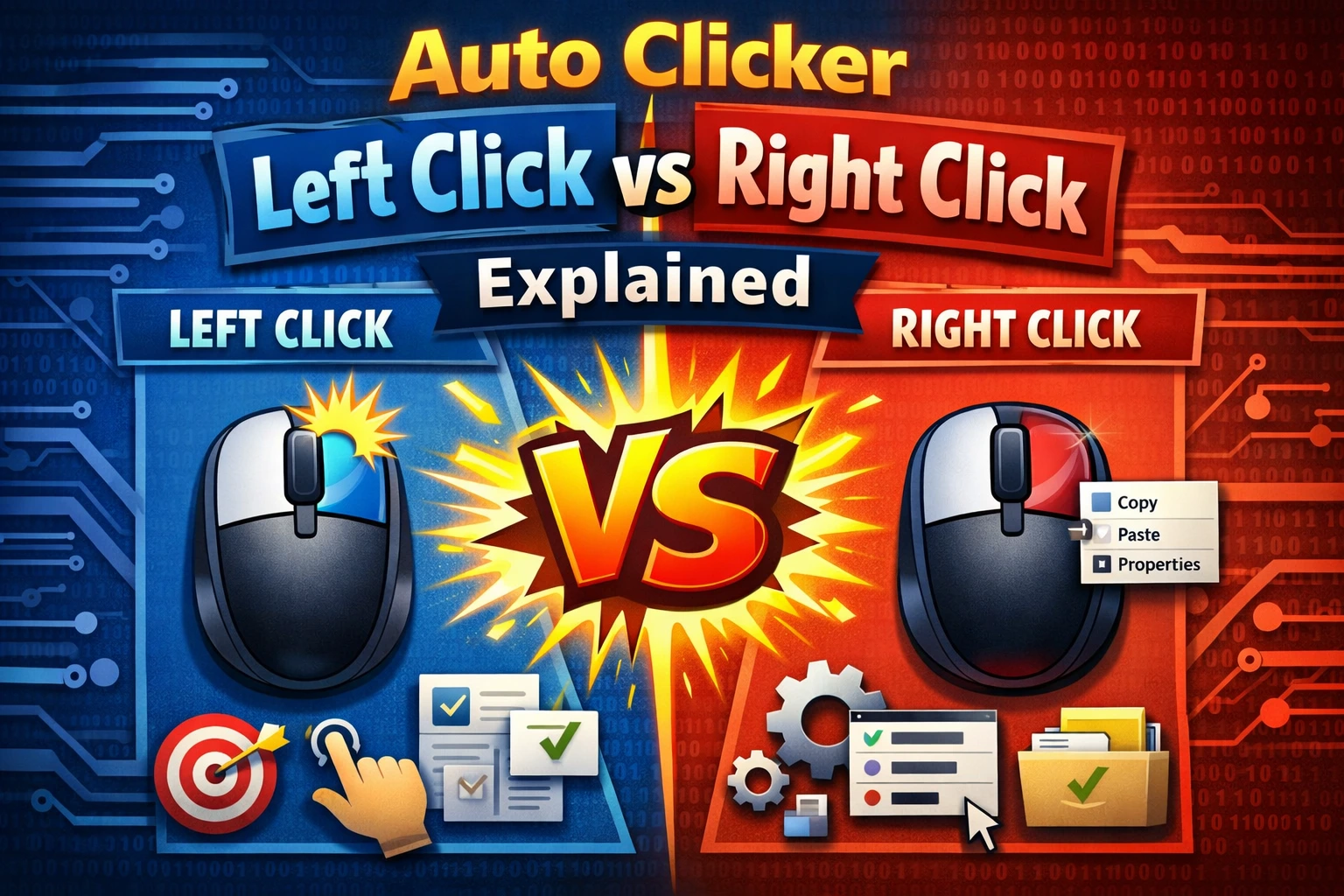
- Mouse button: left, right, or middle.
- Event type: usually a single or double click.
- Screen position: the x and y coordinate that receives the click.
- Interval: the time between one click and the next.
When you start the task, the software asks Windows to send the selected input at the saved position. It repeats until it reaches a count or duration, or until you press the stop hotkey.
The auto clicker does not understand the meaning of a button. It only knows the input and coordinate you configured. If a window moves, the same coordinate may point to something different.
Click intervals and speed
Intervals are commonly measured in milliseconds. One second equals 1,000 milliseconds.
| Interval | Approximate speed |
|---|---|
| 1000 ms | 1 click per second |
| 500 ms | 2 clicks per second |
| 200 ms | 5 clicks per second |
| 100 ms | 10 clicks per second |
A shorter interval is not automatically better. The target app needs enough time to process each action. Start slowly and reduce the interval only after a successful test.
Fixed-position, multi-point, and recorded automation
There are three common levels of mouse automation:
Fixed-position clicking
The clicker repeats one action at one screen coordinate. This is the simplest and most reliable pattern when the target does not move.
Multi-point clicking
The clicker cycles through several coordinates. It can press a sequence of stable controls without recording every mouse movement between them.
Recorded scripts
A recorder captures mouse movement, clicks, wheel actions, keyboard input, and timing. This is better for workflows that combine different actions or move through several screens.
AT Auto Clicker includes all three approaches: timed clicks, multiple points, and recorded mouse-and-keyboard scripts.
Common uses
Appropriate uses can include:
- Repeating a permitted action in a desktop application.
- Running controlled user-interface tests.
- Advancing through a predictable internal workflow.
- Reducing repetitive physical clicking.
- Replaying a demonstration on a local test environment.
Some games and online services restrict any automated input. The fact that an auto clicker can perform an action does not mean the service permits it. Check the relevant rules first.
Is an auto clicker safe?
The software category itself is not inherently malicious, but download source and usage matter. Obtain installers from the official website, scan the file, reject bundled software, and be cautious of pages that imitate a trusted product name.
During use, the main operational risk is an unattended script clicking the wrong control after the screen changes. Use a fixed repeat count for early tests, verify the stop hotkey, and keep destructive actions outside the automated path.
See is an auto clicker safe? for a complete download and verification checklist.
Auto clicker vs macro recorder
Use an auto clicker when you need the same mouse action at predictable positions. Use a macro recorder when the workflow includes movement, different mouse buttons, text entry, keyboard shortcuts, or variable pauses.
For a practical setup, follow how to use an auto clicker on Windows 11 and 10. Start with a harmless task, test a short repeat count, and increase complexity only after every step behaves as expected.