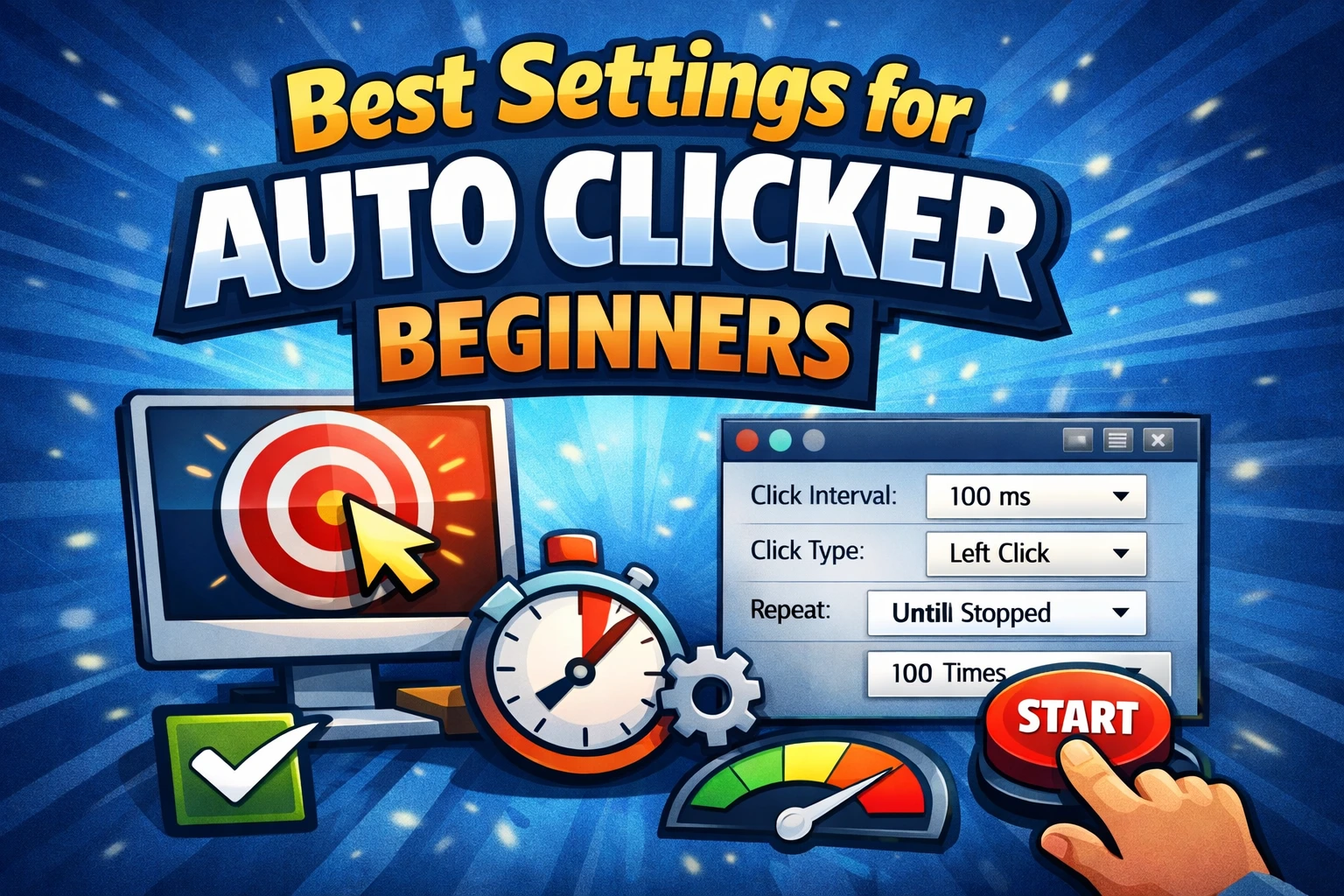
The best auto clicker settings are not always the fastest settings. A good setup should complete the task reliably, leave enough time for the target app to respond, and give you a quick way to stop the run.
This guide gives you a dependable baseline for AT Auto Clicker on Windows 11 and 10. Start here, test a short run, and adjust one setting at a time.
Quick starter settings
For a simple button that needs repeated left clicks, begin with:
| Setting | Recommended starting value | Why |
|---|---|---|
| Mouse button | Left | Most buttons and primary actions use left click |
| Event type | Single | Prevents accidental double activation |
| Click interval | 500 ms | Two clicks per second gives most apps time to respond |
| Repeat rule | 20 clicks | A short, controlled test is easier to stop and review |
| Click points | One | Reduces the chance of clicking the wrong control |
| Start/stop hotkey | F6 | Lets you control the run without moving the pointer |
After the first successful test, lower the interval gradually. Try 300 ms, then 200 ms. If the app misses clicks, becomes unresponsive, or shows duplicate actions, return to the last reliable value.
Understanding click interval and CPS
The click interval is the delay between clicks. A shorter delay produces more clicks per second (CPS):
- 1000 ms = 1 CPS
- 500 ms = 2 CPS
- 200 ms = 5 CPS
- 100 ms = 10 CPS
- 50 ms = 20 CPS
The target program may not accept input as quickly as AT Auto Clicker can send it. A web form, desktop application, or game can ignore events when its interface is busy. That is why 100–500 ms is a better starting range than an extreme 1 ms interval.
For more detail, see our guide to increasing CPS and understanding click speed.
Choose the correct mouse button
Use left click for normal buttons, selection, and most repeated actions. Use right click only when the target action is normally opened from a context menu or uses a secondary game control. Middle click is less common and is typically used for browser tabs, scrolling functions, or specialized software.
Test the chosen button manually before enabling automation. If a right click opens a menu, remember that the next click point may act on that menu rather than the original screen.
Use a fixed repeat rule first
AT Auto Clicker supports three useful repeat patterns:
- Fixed count: best for learning and for tasks with a known number of actions.
- Duration: useful when an action should run for a specific time.
- Infinite: appropriate only after the click points and stop hotkey have been tested.
Beginners should use 10–50 repetitions for the first run. Infinite mode is convenient, but it can keep clicking after a window moves or a dialog appears. Always confirm that F6 stops the task immediately before leaving a longer run active.
Add multiple click points carefully
Multi-point clicking is useful for moving through a repeatable sequence, such as clicking a button, confirming a dialog, and returning to a starting control. Add points in the exact order they should run.
Before increasing speed:
- Run the sequence once at a slow interval.
- Confirm that every target stays in the same position.
- Check whether a window animation or loading state needs a longer pause.
- Avoid points near destructive actions such as Delete, Purchase, or Send.
If the workflow includes changing screen positions or keyboard input, use the script recorder instead of forcing everything into a simple point list.
A practical tuning method
Use this four-step process for any new task:
- Set one click point, a 500 ms interval, and 10 repetitions.
- Run the test while watching the target application.
- Add the remaining points or keyboard events.
- Reduce the interval in small steps until the task is fast but still reliable.
Save the finished configuration with a clear name so you do not need to rebuild it. If the task changes, create a new version instead of overwriting a known-good script.
Settings to avoid
Avoid a 1 ms interval unless you have a controlled testing reason. Do not begin with infinite repeat, and do not automate an app before reading its rules. Games and online services may restrict macros or automated input even when the software itself works correctly.
For a complete walkthrough of every control, continue with how to use an auto clicker on Windows.