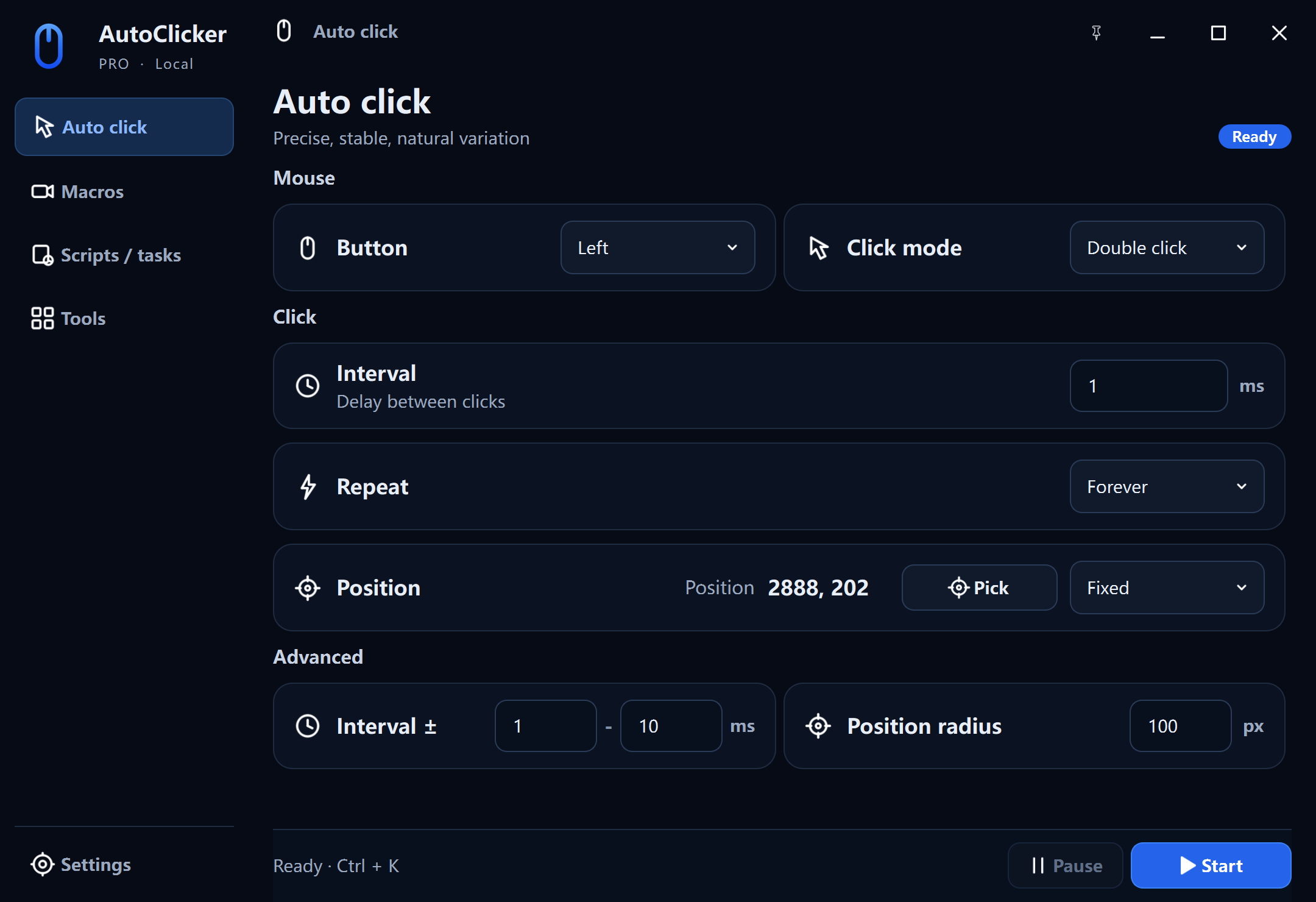
The workspace
AutoClicker Pro
Built for people who need repeatable automation they can inspect: precise clicking, macro editing, scheduled scripts, cursor highlighting, and measurement tools.
About the products
We build native Windows tools that turn repetitive input into an understandable workflow. The free app stays compact; Pro creates room for deeper editing, scheduling, and practical desktop utilities.
The workspace
Built for people who need repeatable automation they can inspect: precise clicking, macro editing, scheduled scripts, cursor highlighting, and measurement tools.
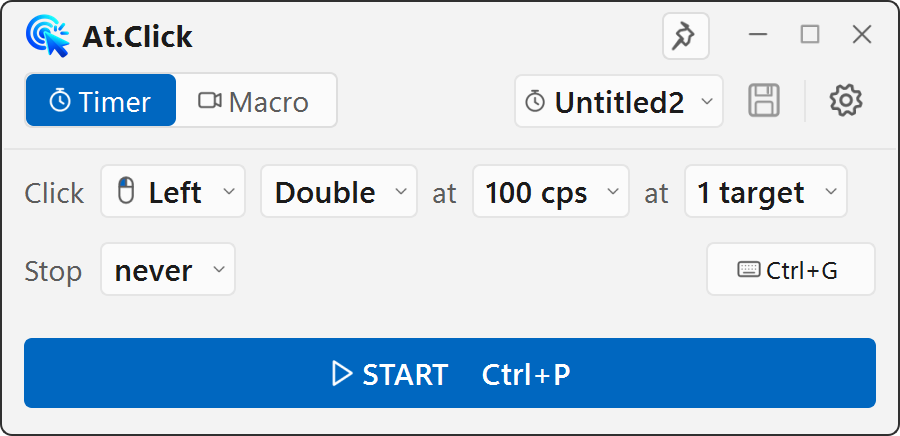
The compact tool
Built to open quickly and stay out of the way. It is free, needs no account, and keeps its profiles and macros on the device.
Intervals, coordinates, repeat rules, and hotkeys are shown explicitly instead of hidden behind a one-click preset.
Recorded input and saved workflows belong on the user's PC unless a future feature clearly asks otherwise.
Automation is a tool, not permission. Our guides remind users to follow the rules of the software, game, or service they automate.
Documentation
We write task-focused Windows guides, separate software safety from third-party rules, and update instructions when the interface materially changes.
Visit the learning center →Corrections & support
If the app or a guide behaves differently on your Windows setup, send the product version and the step that needs review.
Contact support →