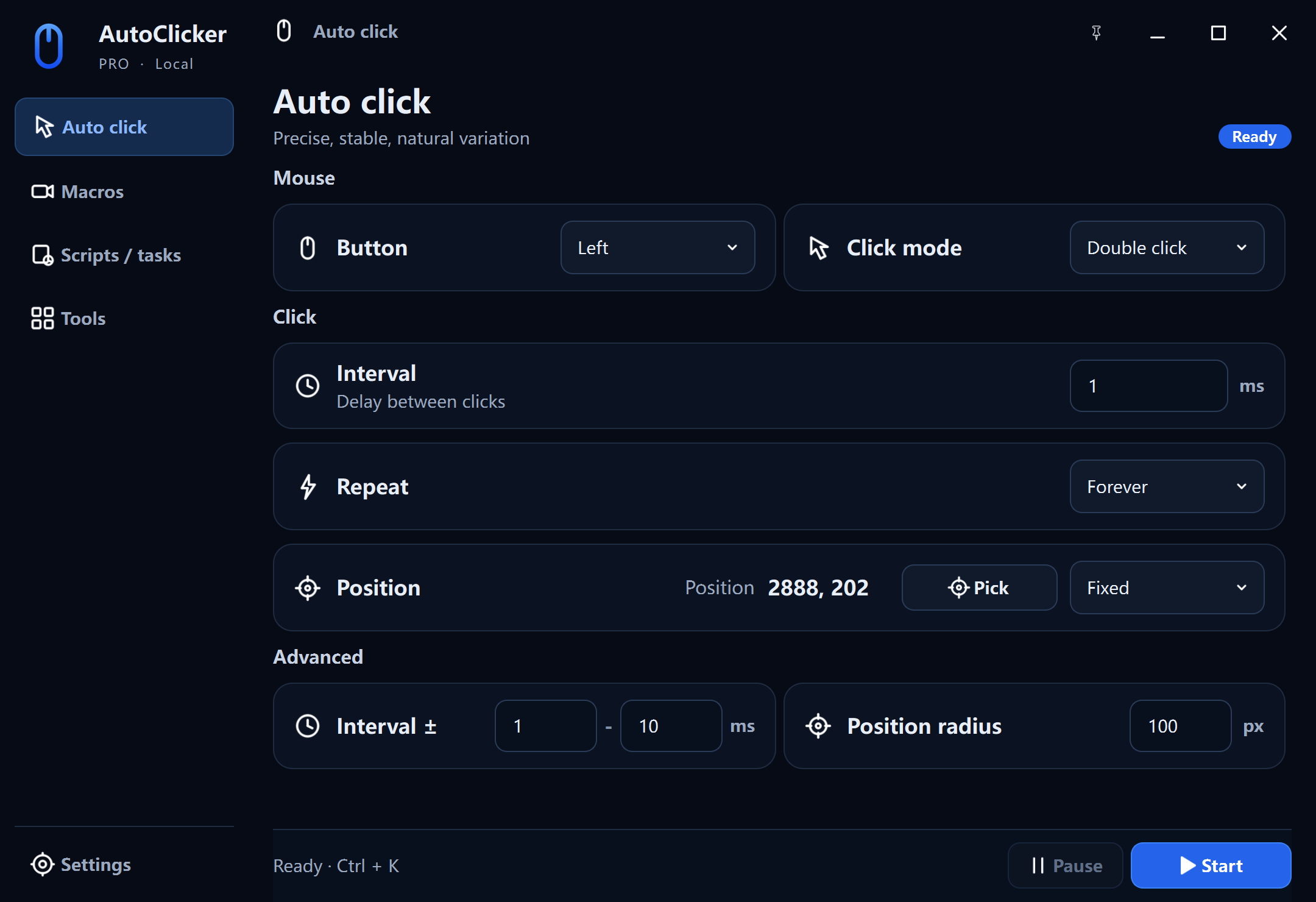
Full workspace
AutoClicker Pro
Precise clicking, editable macros, scheduled scripts, cursor highlighting, and CPS tools.
Windows 10/11 · x64
Loading release details…
Version details and checksum
No release notes loaded.
SHA-256: —
Official downloads
Choose the compact free auto clicker or the complete Pro automation workspace. Both are native 64-bit apps for Windows 11 and Windows 10.
Full workspace
Precise clicking, editable macros, scheduled scripts, cursor highlighting, and CPS tools.
Windows 10/11 · x64
Loading release details…
No release notes loaded.
SHA-256: —
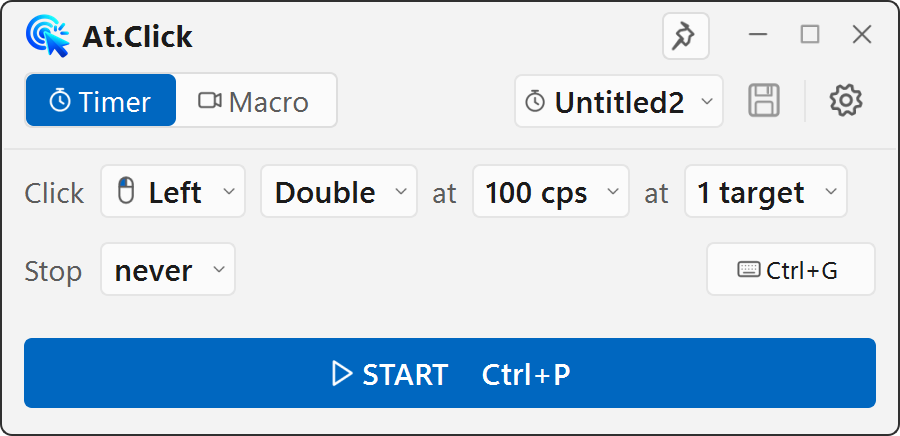
Free forever
A compact timer and macro control panel with no account or subscription required.
Windows 10/11 · x64
Loading release details…
No release notes loaded.
SHA-256: —
Compare the downloaded file's SHA-256 value with the manifest shown above.
64-bit editions are supported. Windows may show SmartScreen for a new, unsigned publisher.
Contact support or read the SmartScreen guide.
Download FAQ
Yes. AutoClicker is the compact free edition with automatic clicking, multi-target sequences, macro recording, and global hotkeys. It does not require an account or subscription.
The free edition focuses on a small timer and macro panel. Pro adds a larger workspace with action-level macro editing, scheduled tasks, cursor highlighting, and CPS tools.
Yes. The current 64-bit installers support Windows 11 and Windows 10.