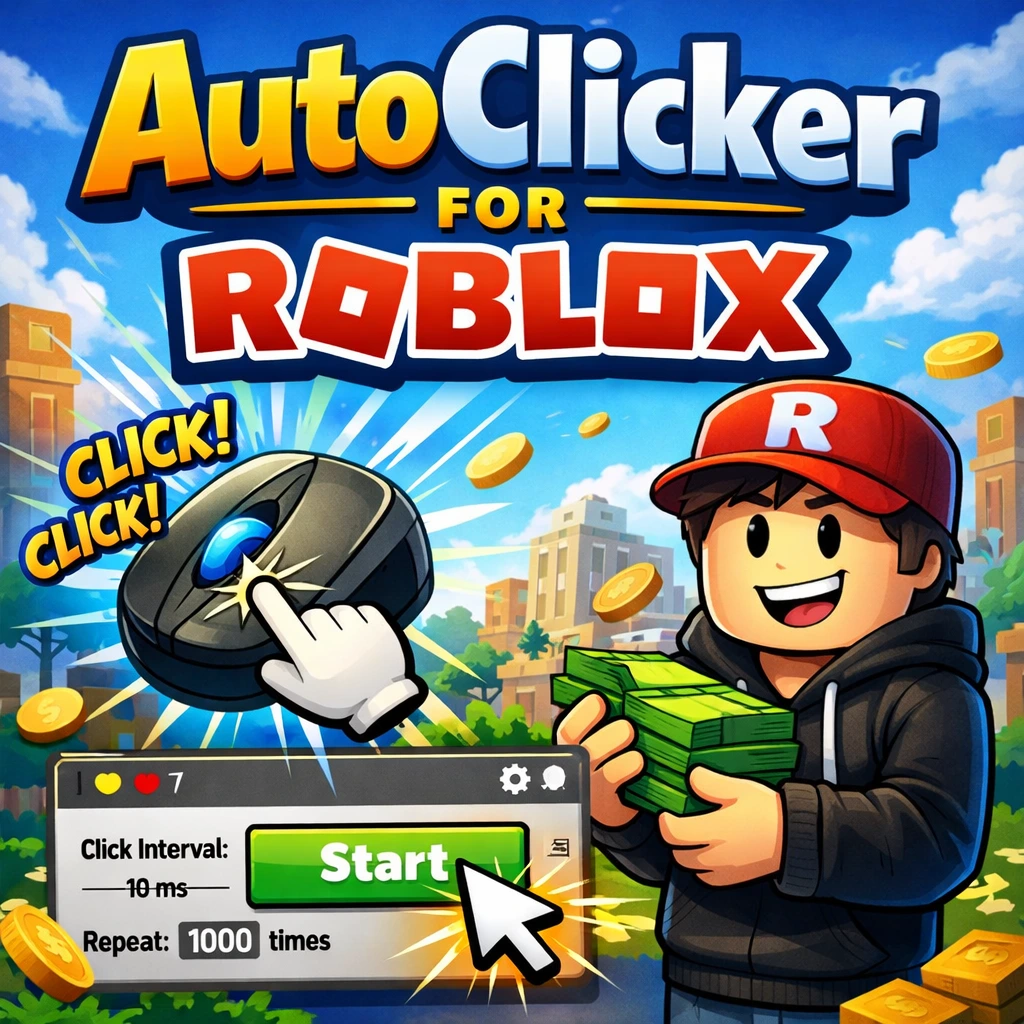
A Roblox auto clicker can send repeated mouse input, but technical compatibility does not mean an experience permits it. Roblox platform standards and creator-published experience rules both matter.
This guide uses a permission-first approach and does not explain how to disguise automation or avoid enforcement.
Read the current rules
Roblox’s Community Standards prohibit cheating and using exploits to gain an unfair advantage. Creators can also publish additional experience rules, but those cannot conflict with platform policy.
Before using any external input tool:
- Read the Roblox Community Standards.
- Look for rules inside the specific experience and on its official page.
- Search for “auto clicker,” “macro,” “automation,” “AFK,” and “third-party software.”
- Ask the creator or support team if the wording is unclear.
- Treat missing permission as “do not use.”
A simulator or idle theme is not automatic permission. Rewards, trading, leaderboards, and competitive results can change how automation is treated.
Lower-risk alternatives
Prefer options the experience intentionally provides:
- Built-in auto, hold, or idle upgrades.
- Official accessibility settings.
- Private testing tools supplied by the creator.
- A manual hold action.
- A private Studio test for an experience you develop.
These features understand game state and are less likely to conflict with platform or creator rules.
If an experience explicitly allows it
Test conservatively:
- One stable click point.
- The mouse button used manually.
- A 500–1000 ms interval.
- A 30-second duration.
- A tested stop hotkey.
- The window kept active.
- No purchases, trading, chat, votes, or account actions.
Watch the entire first run. If a menu, reward screen, teleport, disconnect, or purchase dialog appears, stop.
There is no universal “safe CPS.” Permission comes from the rules, not from a particular interval.
Account and download safety
Do not download a tool advertised as an exploit, injector, “undetectable” cheat, or premium unlock. Roblox warns that exploit downloads can be scams or malware.
Use a straightforward desktop utility from its official site, keep Windows security enabled, and scan the file. Never enter a Roblox password into an auto clicker or third-party download page.
Read how to choose a free Roblox auto clicker safely for a download checklist.
Common mistakes
Avoid:
- Assuming other players’ behavior proves permission.
- Automating a competitive or economy-affecting action.
- Leaving a coordinate loop unattended.
- Clicking a reward or purchase dialog accidentally.
- Using continuous mode without testing Stop.
- Trying to make prohibited automation look human.
- Disabling antivirus for an unknown download.
If the experience blocks simulated input, do not bypass the control.
Frequently asked questions
Will Roblox ban an account for an auto clicker?
Enforcement depends on the conduct and current rules. Cheating or unfair automation can lead to moderation, and an experience creator may enforce additional rules.
Are auto clickers allowed in every simulator?
No. Check the specific experience rules. An idle design does not automatically permit third-party input.
What CPS should I use?
Only configure a clicker where automation is explicitly allowed. Start at 1–2 CPS for a short functional test; do not use a rate to evade a rule.
Can I use it in Roblox Studio?
For a project you own, use Studio’s supported testing tools first. A clicker may help with a permitted exploratory UI test, but it cannot assert whether the result is correct.
Bottom line
Rules and account safety come before settings. Use built-in features when possible, require explicit permission for external automation, and keep any allowed test short and supervised.