AutoClicker Free and AutoClicker Pro are two Windows applications for different levels of automation. Free prioritizes a small interface, local operation, and no account. Pro presents a complete desktop workspace for timed clicks, editable macros, scheduled tasks, and cursor or CPS tools.
The choice is not “temporary trial versus real product.” Free is the focused edition; Pro is the expanded paid workspace.
Feature comparison
| Capability | AutoClicker Free | AutoClicker Pro |
|---|---|---|
| Windows 11 and 10 desktop app | Yes | Yes |
| Timed mouse clicking | Yes | Yes |
| Current cursor and fixed points | Yes | Yes |
| Multiple saved click targets | Yes | Yes |
| Fixed count, duration, or continuous run | Yes | Yes |
| Global hotkeys | Yes | Yes, customizable |
| Mouse and keyboard macro recording | Yes | Yes |
| Local macro library | Yes | Yes |
| Action-level macro editor | Basic event editing | Expanded insert, edit, reorder, and delete workflow |
| Playback speed | 0.25x–4x | 0.5x–10x |
| Scheduled saved macros | No | Yes, Tasks module |
| Random timing and position radius | Limited timing variation | Yes |
| Cursor highlight styles | No | Yes, Tools module |
| Integrated CPS tester | No | Yes, Tools module |
| Account required for free use | No | Pro membership applies to paid execution |
| Working data | Local | Local workflow data plus account entitlement for paid use |
Exact product behavior can evolve with releases, so use the current Free product page and Pro product page as the release reference.
Choose Free for a compact everyday clicker
AutoClicker Free is the better fit when you want:
- a compact 450 × 218 logical-pixel control panel;
- left, middle, or right mouse automation;
- single, double, or hold actions;
- 1–1,000 CPS controls;
- current-cursor or multiple fixed points;
- count, duration, or unlimited stop rules;
- local profiles and macros;
- no sign-in and no subscription.
It can also record mouse clicks, movement, wheel input, and keyboard events, then replay the macro at adjustable speed. That is substantially more than a one-button click timer, while the interface remains small.
Choose Pro for the full automation workspace
AutoClicker Pro is built around four visible modules.
Timer
Configure left, right, middle, forward, or back button input; single or double click; precise intervals; repeat conditions; current or captured positions; random interval addition; and position radius.
Macro
Record mouse and keyboard events, keep a local script library, import or export scripts, and edit individual actions. The editor supports inserted delays, clicks, and key actions plus reordering and broader playback controls.
Tasks
Choose a saved macro, date and time, speed, and repeat rule. The scheduler can start the tested workflow in the background at the configured time.
Tools
Use cursor highlights for demonstrations or recorded walkthroughs and run manual CPS tests at several durations. Highlight styles include classic rings, spotlight-like presentation effects, pulse effects, and soft following styles with adjustable appearance.
Can non-members see Tasks and Tools?
Yes. Pro keeps its feature navigation and controls visible so you can understand the product. Paid entitlement is checked when a protected execution is requested, rather than hiding whole modules from the interface.
This avoids a confusing “missing feature” experience and lets the upgrade decision happen in context.
Does Pro require the internet all the time?
The desktop workflow data is local. Account sign-in and entitlement checks require connectivity at the relevant points. Do not assume cloud synchronization: the product does not advertise cloud storage for your macros or click profiles.
Which edition should a beginner install?
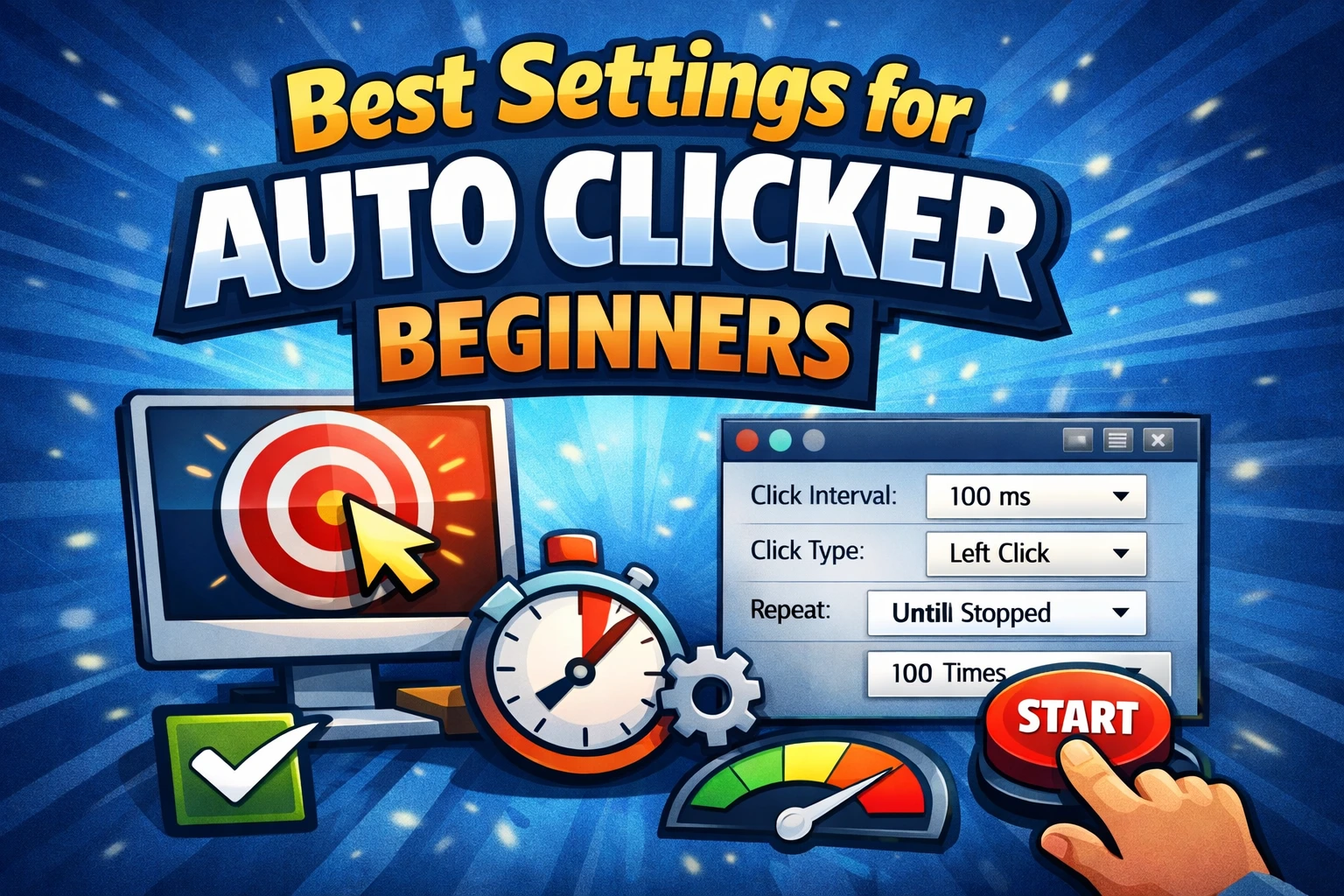
Start with Free if you are learning intervals, points, stop rules, or basic recording. Use the simple setup guide and test left single click at 500 ms for 10 repetitions.
Move to Pro when a real workflow needs the expanded editor, scheduler, or Tools module—not merely because a maximum speed number looks larger.
Pricing and downloads
The free edition remains free and works without an account. Pro uses paid membership for protected execution features. Review the current monthly, annual, and lifetime options on the pricing page.
Use the official download page to choose the correct Windows edition. Avoid third-party mirrors, repackaged installers, cracked builds, and “undetectable” claims.
Frequently asked questions
Is AutoClicker Free only a trial?
No. It is a standalone free product for compact local automation.
Does Free include macros?
Yes. It records mouse and keyboard activity, supports local saved macros, event review and editing, repeat choices, and adjustable playback.
What are the main Pro-only reasons to upgrade?
The expanded action editor, scheduled Tasks module, cursor-highlighting tools, integrated CPS utilities, broader input options, and paid workflow execution are the clearest reasons.