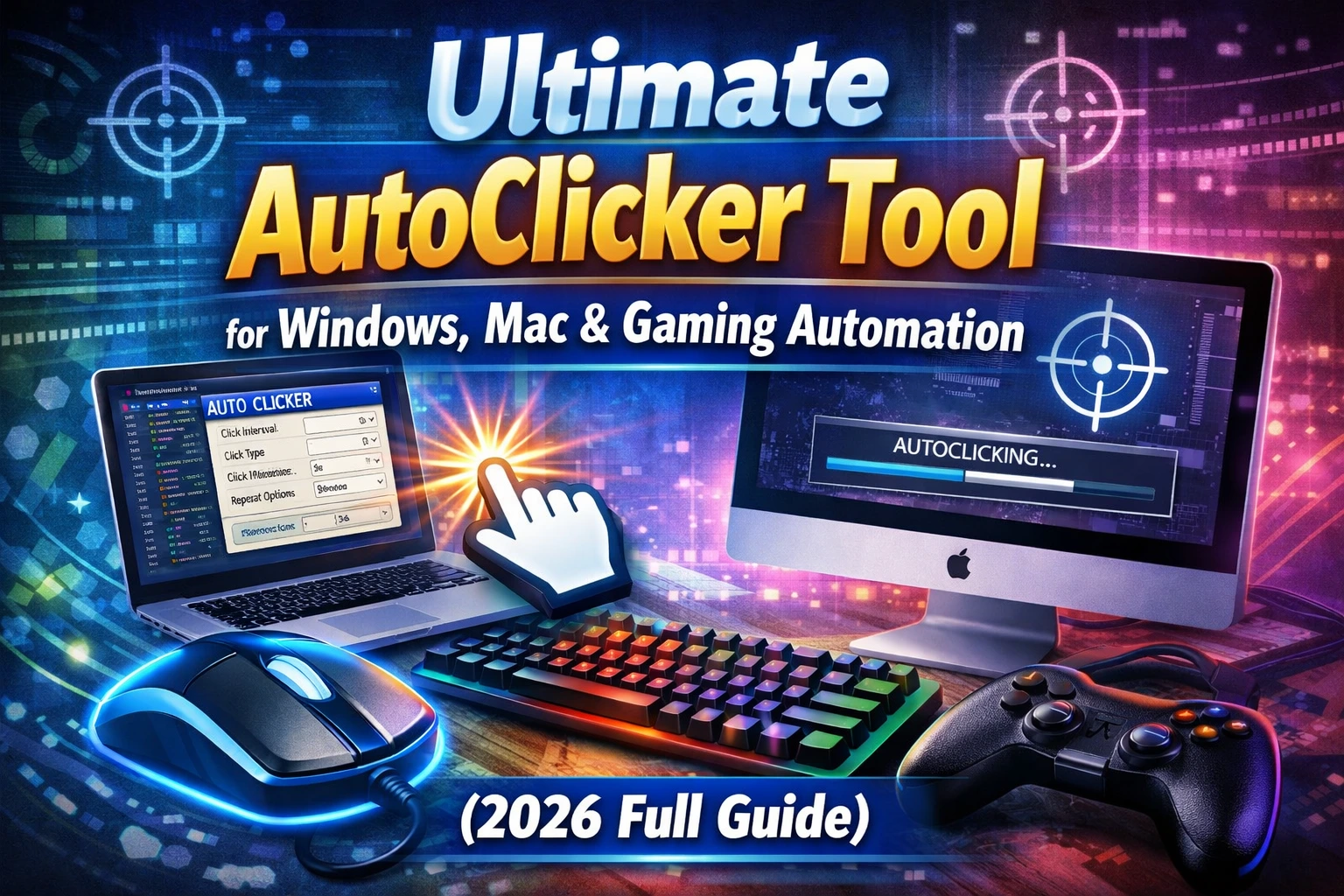
People searching for an auto clicker without download usually want one of two things: a page that measures how fast they can click, or a tool that automatically clicks another app. A browser can handle the first job. Modern browser security intentionally limits the second.
That distinction protects you: an ordinary website should not be able to move your system pointer, press keys in another app, or click arbitrary controls on your desktop.
What an online clicker can do
A browser-based tool can respond to input while its own page is open and focused. Common examples include:
- counting your manual clicks;
- measuring clicks per second;
- running a practice timer;
- demonstrating click intervals inside a page;
- activating controls that belong to the same permitted web application.
If you want to measure manual speed with no installation, use the free CPS test. It runs in the browser and does not need access to other apps.
What a no-download website cannot safely do
An ordinary web page cannot provide a true system-wide Windows auto clicker. It should not be able to:
- click a desktop program;
- automate another browser tab from any site;
- send global keyboard input after you switch away;
- capture arbitrary screen coordinates outside the page;
- register an unrestricted system-wide stop key;
- run a saved Windows macro in the background.
Browser extensions have different permissions, but they are still not the same as a native desktop automation tool. Review every requested permission before installing one.
Online auto clicker vs desktop auto clicker
| Capability | Browser page | Windows desktop app |
|---|---|---|
| Manual CPS test | Yes | Optional |
| Click controls on its own page | Yes | Not the purpose |
| Click another Windows app | No | Yes, when permitted |
| Global hotkey | Restricted | Yes |
| Fixed screen coordinates | No | Yes |
| Mouse and keyboard macro | No system-wide macro | Yes |
| Scheduled local script | No | Available in AutoClicker Pro |
If a website claims it can control every program without an installation, executable, extension, or explicit platform permission, treat the claim cautiously.
When a download is the correct choice
Use a desktop auto clicker when the task must interact with a Windows application, follow the pointer outside a web page, use fixed screen points, or replay mouse and keyboard events.
Choose the official source, leave Windows Security enabled, scan the installer, and review any SmartScreen prompt. Our Windows download guide explains the checks step by step.
AutoClicker Free is a compact local Windows app with timed clicks, multiple points, global hotkeys, and mouse-and-keyboard macro recording. It does not require an account. Download the free Windows app only when you need desktop control.
Can you automate browser tasks with a desktop app?
Technically, a desktop clicker can send input to a visible browser window. That does not mean every website permits it. Browser layouts also change with zoom, window size, responsive design, loading time, pop-ups, and sign-in state.
For a permitted test:
- set the browser window and zoom;
- use harmless test data;
- begin with one point at 1000 ms;
- set a small fixed count;
- keep sign-in, messages, payment, and delete actions manual;
- stop if the layout changes.
Read the full browser task automation guide before saving coordinates.
What does “unblocked auto clicker” mean?
The phrase often refers to bypassing a school, workplace, game, or network restriction. Do not try to evade an administrator’s controls or a service rule. If software installation is blocked, ask the device owner or administrator whether an approved accessibility or automation option is available.
For personal Windows computers, choose transparent local software from its official publisher rather than mirror sites that relabel installers as “unblocked.”
Frequently asked questions
Is there a real online auto clicker?
There are browser click tests and page-specific automation tools, but a normal website cannot safely act as an unrestricted system-wide Windows auto clicker.
Can an online CPS test click for me?
No. A proper CPS test measures your manual clicks. Automated input would invalidate the measurement.
Does AutoClicker Free require an account?
No. The free Windows app runs locally without sign-in.