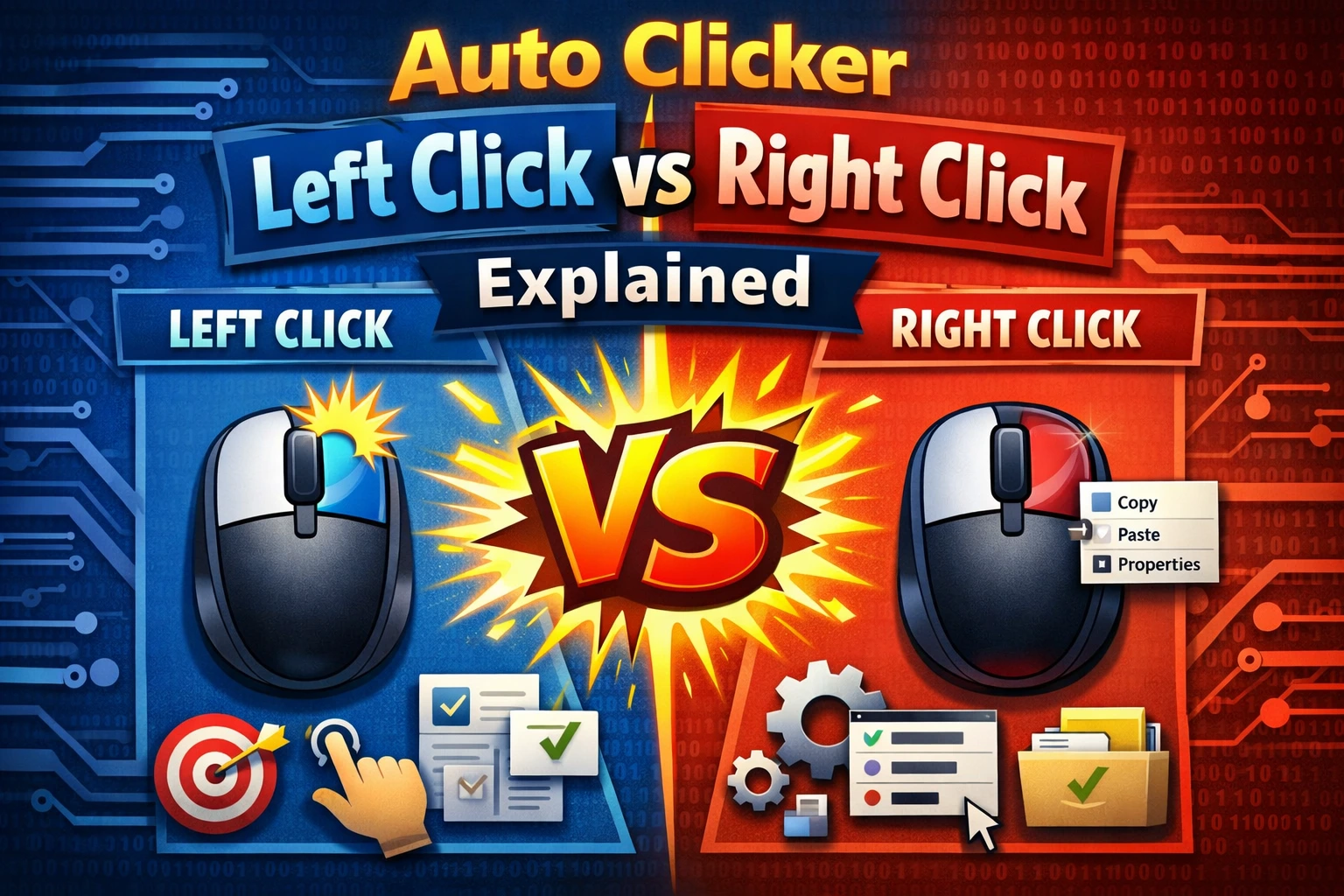
A double-click auto clicker sends a paired mouse action each time the timer fires. It is useful for controls that Windows or an app expects you to activate by double clicking, but it is the wrong choice for most ordinary buttons.
The safest rule is simple: if you use one manual click for the action, automate one click. If you use a manual double click, select the Double event.
Single click versus double click
A single click selects or activates a normal control. A double click sends two presses close together and is commonly used to open files, folders, or app-specific items.
| Target | Typical event |
|---|---|
| Web or app button | Single |
| Checkbox or radio option | Single |
| Desktop file or folder | Double |
| List item that explicitly says “double-click” | Double |
| Context menu | Right single |
| Browser link | Left single or middle single |
App behavior can be customized, so test manually before configuring automation.
A double event is not just a fast interval
Selecting Double tells the clicker to create a double-click action. Lowering a single-click interval sends separate repeated clicks. These can produce different results.
For example, a 500 ms timer with Double selected sends a double-click event around every half second. A 250 ms timer with Single selected sends individual clicks around four times per second. The target decides how to interpret them.
Use the correct event first, then tune the repeat interval.
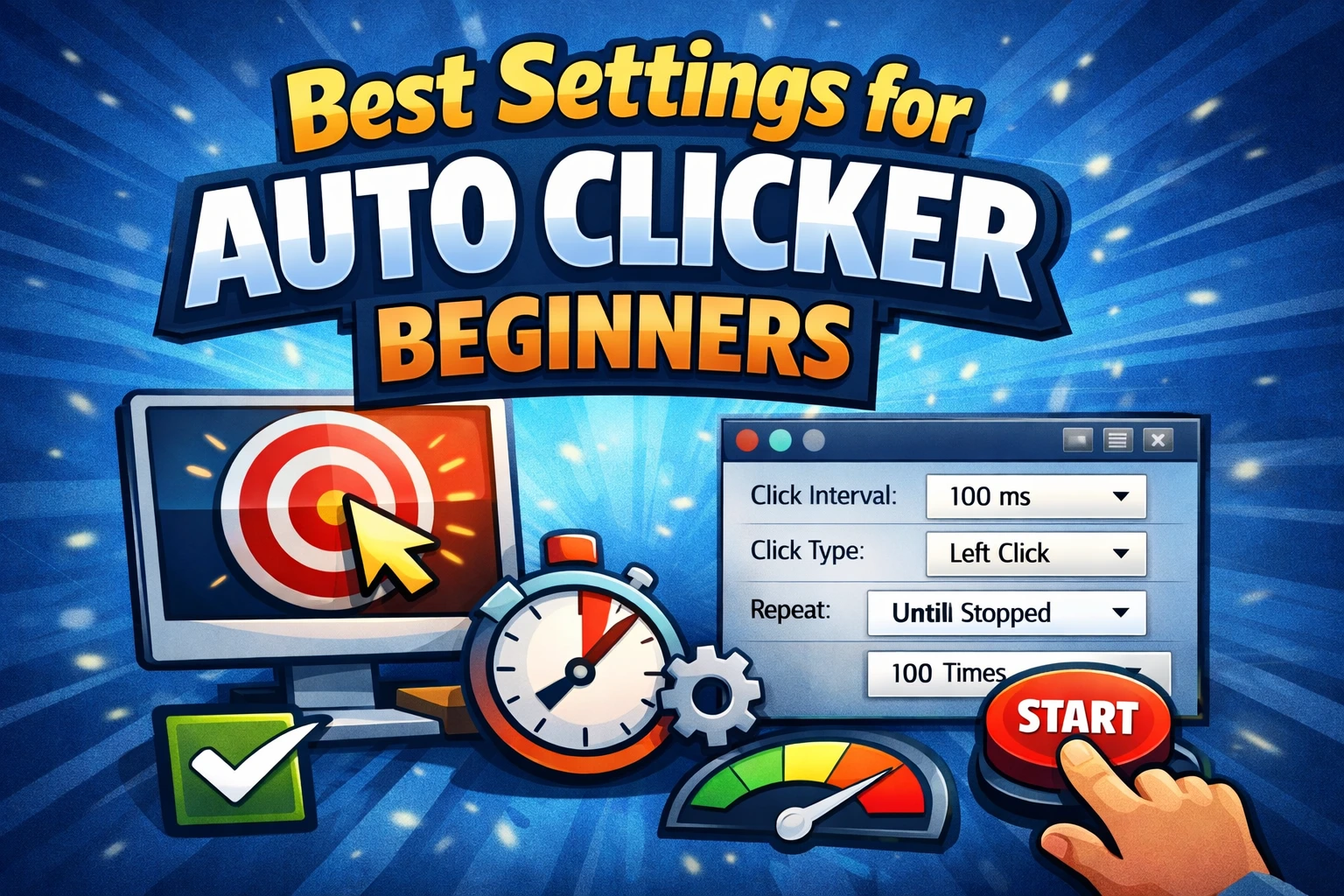
Safe starting settings
For a disposable desktop test:
- Mouse button: Left.
- Event type: Double.
- One click point.
- Interval: 1000 ms.
- Repeat count: 3.
- Stop hotkey: Tested before the run.
Place the point in the center of a harmless test file or control. Do not test on installers, payment buttons, delete controls, or anything that can trigger an irreversible action.
Common uses
A double-click timer can help with authorized testing of:
- File and folder opening behavior.
- A desktop list that requires double activation.
- Accessibility workflows where the user has permission to automate an existing double-click action.
- Regression checks for a control designed to distinguish single and double click.
For web buttons and most forms, repeated single clicks are almost always the better baseline.
Why a double click may not register
If the target only selects the item:
- Confirm that Double is selected.
- Capture the point again at the center.
- Keep the target window active.
- Increase the outer repeat interval to one or two seconds.
- Test the same action manually.
Windows and apps can use a user-configured double-click timing threshold. AT Auto Clicker can send the pair, but the application still decides whether it qualifies as a double click.
Why it may activate too much
If one timer event opens two windows or submits twice, the target probably expects a single click. Switch Event type to Single and retest with a fixed count.
A web interface may also treat rapid repeated input as separate button presses rather than one double-click command. Do not automate confirmation or purchase controls.
Left, right, and middle double clicks
A left double click is common. Right and middle double clicks are unusual and can produce app-specific behavior. Start with a single right or middle event unless the target documentation explicitly requires a double action.
The left, right, and middle-click guide covers each button’s usual role.
Testing a double-click control
For software testing, capture both the expected action and what should not happen:
- Single-click the control and record the expected selection state.
- Double-click and record the expected activation state.
- Repeat with deliberate timing.
- Verify that extra windows, duplicate submissions, or stuck states do not appear.
- Stop after a fixed test count.
An auto clicker can repeat a test, but it cannot judge whether the result is correct. Keep an assertion or human review in the loop.
Frequently asked questions
Can I double click with the right mouse button?
The software can send right-button events, but most Windows workflows use a single right click to open a context menu. Double right click only when the app explicitly requires it.
What interval should I use?
Start at 1000 ms between double-click actions. Lower it only after the target returns to a ready state before every repeat.
Why does a folder open and close immediately?
The next automated event may occur before you have stopped the timer, or the point may now land on a different control in the opened window. Use one repetition for navigation tasks.
Bottom line
Double-click mode is a specific event, not a general speed boost. Use it only for a target you would double click by hand, and test with one harmless action before repeating it.