CPS means clicks per second: the number of mouse clicks registered during a test divided by the test length. A higher number is not automatically better. In real software and games, accurate timing, target control, and the application’s input limit often matter more than a short peak score.
This guide separates manual click practice from automated testing and shows how to compare results fairly.
Start with the free online CPS test, then use the same duration for each attempt.
How to calculate CPS
Use this formula:
CPS = registered clicks ÷ test duration in seconds
If a five-second test records 35 clicks, the result is 7 CPS. For a useful comparison, keep the test duration, mouse, browser, and technique the same.
Short tests produce exciting peaks but vary more. A 10-second test is better for tracking repeatable performance. Rest between attempts so fatigue does not become the main variable.
Establish a reliable baseline
Before changing technique:
- Use your normal index finger and normal grip.
- Run three 10-second tests.
- Discard any attempt where the page stuttered or clicks failed to register.
- Average the remaining scores.
- Record accuracy or missed targets when the test includes aiming.
Your baseline is personal. Mouse switches, operating-system settings, browser load, and the test itself can affect the number, so cross-site “average CPS” charts are only rough comparisons.
Improve regular clicking first
A controlled single-finger click is the most transferable technique. Try these adjustments:
- Keep your forearm supported and your wrist near a neutral position.
- Rest the fingertip near the front half of the mouse button.
- Use a light press that reliably activates the switch.
- Exhale and relax your shoulder; excess tension can reduce control.
- Practice a few short attempts rather than one long session.
The goal is a score you can repeat while still aiming accurately. If a technique creates pain, tingling, numbness, or lingering discomfort, stop and let your hand recover. Seek qualified medical advice for symptoms that persist.
What about butterfly, jitter, and drag clicking?
Specialized techniques can raise a score on compatible hardware, but each has tradeoffs.
Butterfly clicking alternates two fingers on one button. Some games or servers restrict it, and some mice may register unintended duplicate inputs.
Jitter clicking uses muscle tension to create rapid movement. It can reduce pointer control and may become uncomfortable quickly. It is not a good choice for long sessions.
Drag clicking relies on friction between the finger and button. Results depend heavily on the mouse surface and switch behavior, and the technique is poor for accurate, sustained control.
Check the rules before using any unusual technique in competitive play. A high result on a click test does not make automated or hardware-assisted input acceptable in a game.
Convert an auto-clicker interval to CPS
For authorized interface testing or a repetitive desktop task, you can convert an interval to an approximate click rate:
CPS = 1000 ÷ interval in milliseconds
| Interval | Approximate rate |
|---|---|
| 1000 ms | 1 CPS |
| 500 ms | 2 CPS |
| 250 ms | 4 CPS |
| 200 ms | 5 CPS |
| 100 ms | 10 CPS |
| 50 ms | 20 CPS |
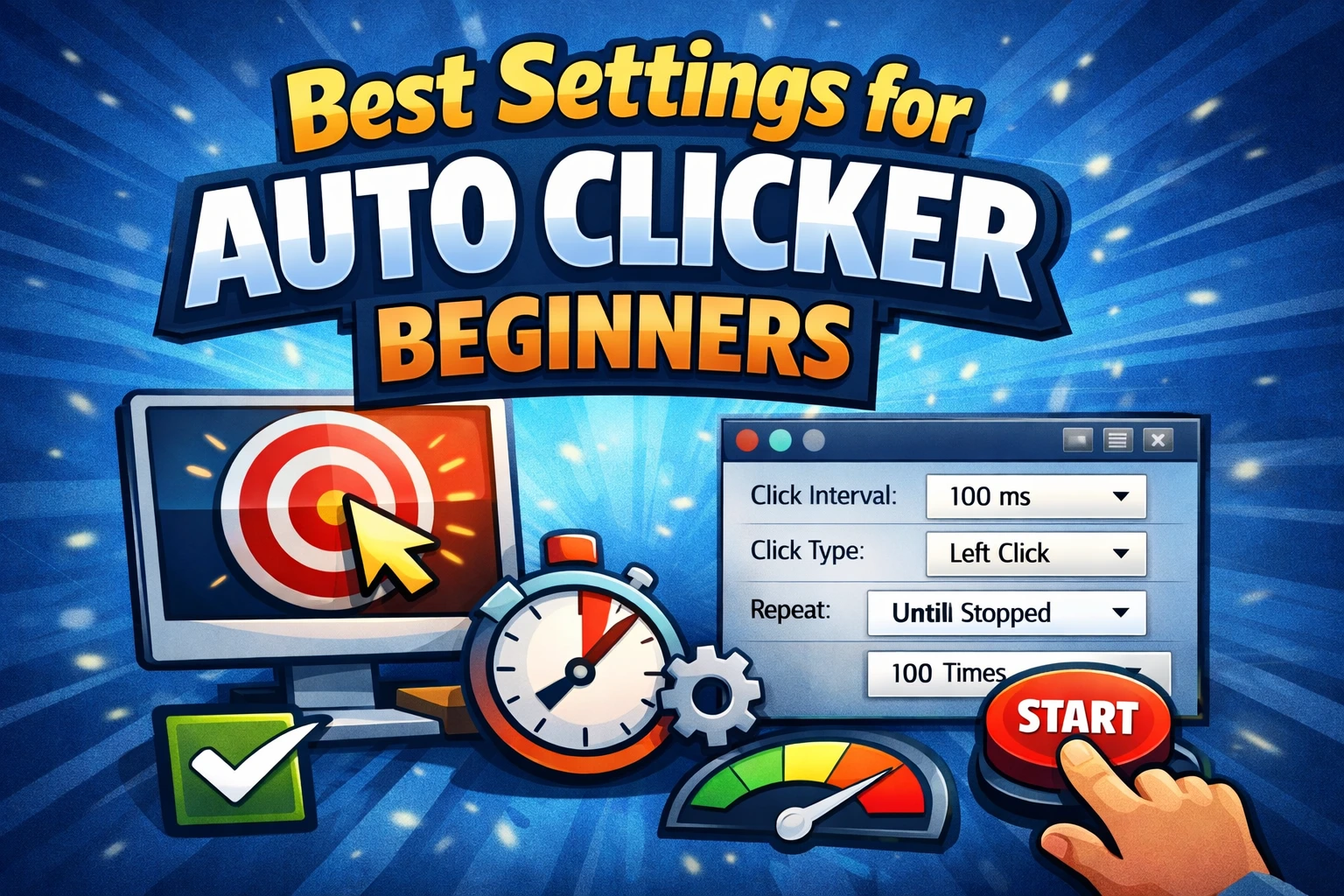
The target app may register fewer clicks than the configured rate. Its interface, animation, network request, or event handler can be slower than the input source. Start at 500 ms and lower the interval only after every click is processed correctly.
Our click interval guide explains this tuning process in more detail.
Manual CPS versus automated CPS
These numbers answer different questions:
| Goal | Appropriate method |
|---|---|
| Measure finger speed | Manual clicking only |
| Practice aim and timing | Manual clicking with a target |
| Test whether a button handles repeated input | Controlled automation in an authorized test environment |
| Reduce repetitive clicking in a permitted work task | Automation with a fixed count and stop hotkey |
| Compete in a multiplayer game | Follow the game’s rules; assume automation is prohibited unless allowed |
Do not submit an automated result to a manual CPS leaderboard. It does not measure the same skill.
A simple seven-day practice plan
You do not need marathon sessions. Once a day:
- Warm up with ordinary hand movement.
- Run three 10-second baseline tests.
- Practice five controlled 5-second sets.
- Finish with one 10-second test.
- Record the average, not only the best attempt.
Skip the session if your hand is sore. Consistency and comfort are more useful than forcing a number upward every day.
Frequently asked questions
Is 10 CPS good?
It can be a strong manual result for many people, but the test setup matters. Compare against your own repeatable baseline and the needs of the task rather than a universal label.
Why does my CPS change between websites?
Tests may count pointer events differently, and browser load, refresh rate, mouse debounce, and page focus can affect registration. Use one test for progress tracking.
Can an auto clicker produce any CPS?
You can configure very short intervals, but Windows and the target app may not register every event. Extremely fast input can also freeze or misoperate an interface. Use the slowest setting that completes the authorized task reliably.
Bottom line
For manual speed, improve technique gradually and track repeatable averages. For authorized automation, think in intervals, not bragging rights: give the target enough time to respond, test a small fixed count, and keep a stop hotkey ready.