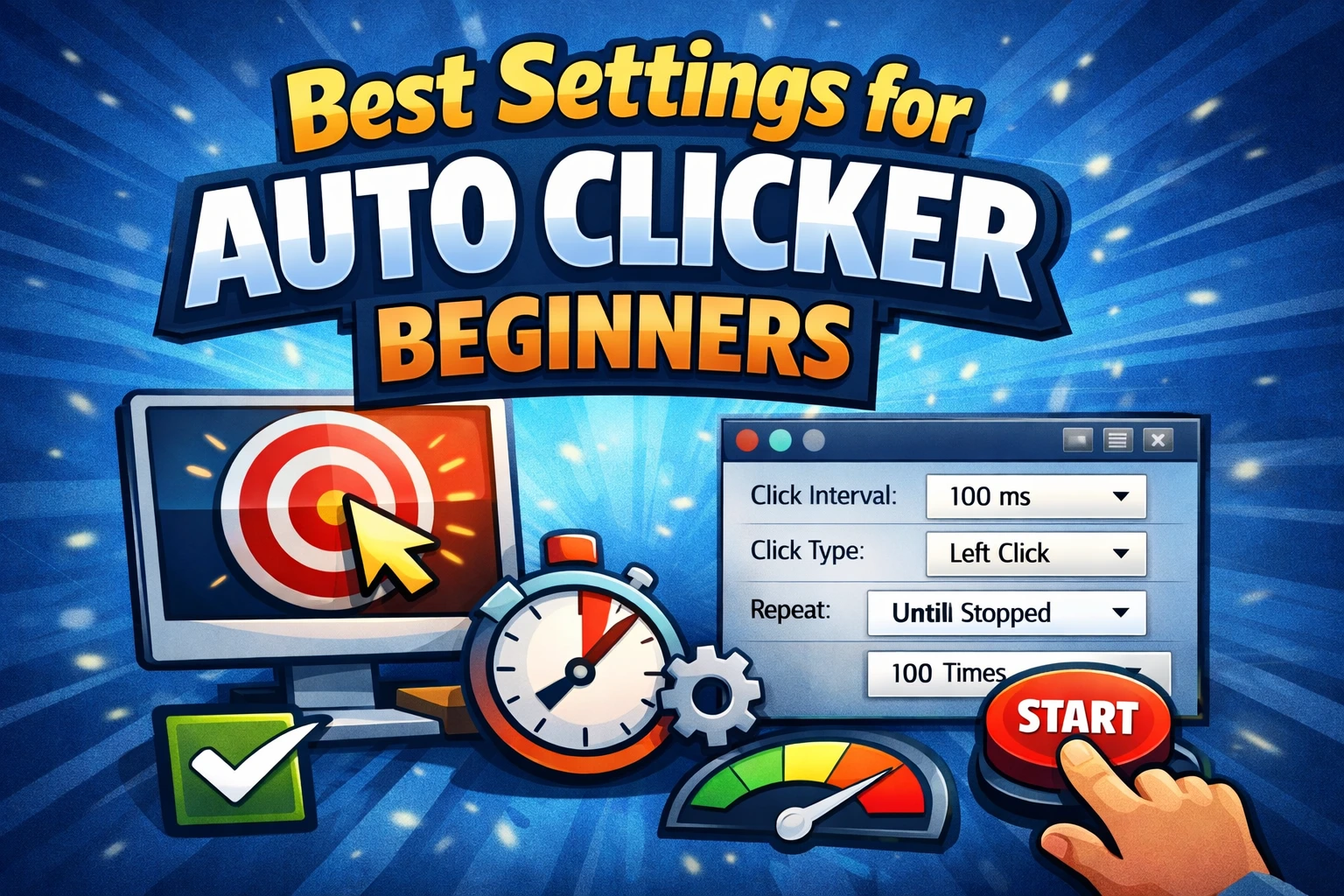
The interval is the delay between automated clicks. It controls speed, but the fastest number is rarely the most reliable. A button may need time to redraw, a page may send a request, or a desktop app may ignore input while it is busy.
This guide helps you choose a useful interval instead of guessing.
Want to measure manual speed first? Run the free 1–60 second CPS test in your browser.
Milliseconds-to-CPS conversion
One second contains 1,000 milliseconds. Use this formula:
Approximate CPS = 1000 ÷ interval in milliseconds
| Interval | Approximate clicks per second |
|---|---|
| 2000 ms | 0.5 CPS |
| 1000 ms | 1 CPS |
| 500 ms | 2 CPS |
| 250 ms | 4 CPS |
| 200 ms | 5 CPS |
| 100 ms | 10 CPS |
| 50 ms | 20 CPS |
| 10 ms | 100 CPS |
These are configured rates. The target may register fewer clicks if it cannot process input that quickly.
The best starting interval
Use 500 ms for a new task. It is slow enough to watch and fast enough to reveal whether the target, mouse button, click position, and stopping rule are correct.
Set a fixed count of 10 clicks. If all 10 register:
- Try 300 ms.
- Retest the same 10-click run.
- Try 200 ms only if every action still completes.
- Return to the last reliable setting if anything is skipped or duplicated.
Do not change the interval, click points, and repeat mode at the same time. Changing one variable makes the result easier to diagnose.
Match the interval to the task
A local button that only changes a counter may accept input quickly. A web form that saves data may need a full second or a manual checkpoint. A multi-point sequence may require enough time for the screen to update before the next coordinate is used.
| Task behavior | Sensible test range |
|---|---|
| Visible page or dialog change | 1000–2000 ms |
| Ordinary desktop button | 300–1000 ms |
| Simple local test control | 100–500 ms |
| Multi-point workflow | 500–1500 ms |
| Unknown target | Start at 1000 ms |
These ranges are starting points, not performance promises. Network latency, animations, hardware, and target-app design can all change the result.
Why a very short interval fails
When the interval is too short, you may see:
- Missed clicks.
- A double action when you intended one.
- Frozen or delayed interface updates.
- A backlog that continues after you expect the task to stop.
- The pointer reaching the next point before the screen is ready.
- High CPU use in the target application.
The solution is usually to increase the delay. If the screen changes between steps, consider a recorded macro with deliberate pauses rather than forcing a simple click timer to run faster.
Interval versus event type
The interval controls the delay between repeated events. The event type controls whether each event is a single click or a double click.
A 500 ms interval with Double selected does not mean the same thing as a 250 ms interval with Single selected. The first sends double-click actions about twice per second; the second sends individual clicks about four times per second.
Use single versus double-click automation to choose the correct event before tuning speed.
Interval in a multi-point sequence
With several points, the clicker cycles through coordinates. Give the target enough time to react at every step. One slow dialog can determine the safe interval for the whole sequence.
Test one full cycle at 1000 ms. If the sequence has a loading step, a recorded mouse and keyboard macro may be a better fit because it can preserve pauses between different actions.
Fixed count, duration, or continuous mode
Use a fixed count while tuning. It creates a predictable endpoint and lets you compare expected clicks with completed actions.
A duration works well after the speed is reliable. Continuous mode should be the last choice, used only after you have tested the stop hotkey and removed destructive controls from the click path.
Read repeat count versus duration for a full comparison.
Frequently asked questions
What interval is 10 CPS?
About 100 ms, because 1000 ÷ 100 = 10. The target may still register fewer than 10 clicks per second.
Is 1 ms a good setting?
Usually no. It requests roughly 1,000 clicks per second, which most interfaces do not need and may not process. Use the slowest rate that completes the task correctly.
Why does the same interval behave differently in two apps?
Apps process input differently. A local control may update immediately, while another action waits for animation, disk work, or a network response.
Does a lower interval improve a game?
Not necessarily, and automated input may violate the game’s rules. Check the policy before use; there is no universally safe game interval.
A reliable rule
Start slow, count results, and tune one step at a time. Reliable automation is measured by completed actions, not by the smallest number in the interval box.