
For your phone
AT AutoClicker for Android
Tap sequences, touch recording, image matching, and shared presets. Android 8.0+ · v0.13.2 · 1.58 MB.
Official downloads
Choose the Windows workspace that fits your routine, or take your taps and scripts to Android.
For your phone
Tap sequences, touch recording, image matching, and shared presets. Android 8.0+ · v0.13.2 · 1.58 MB.
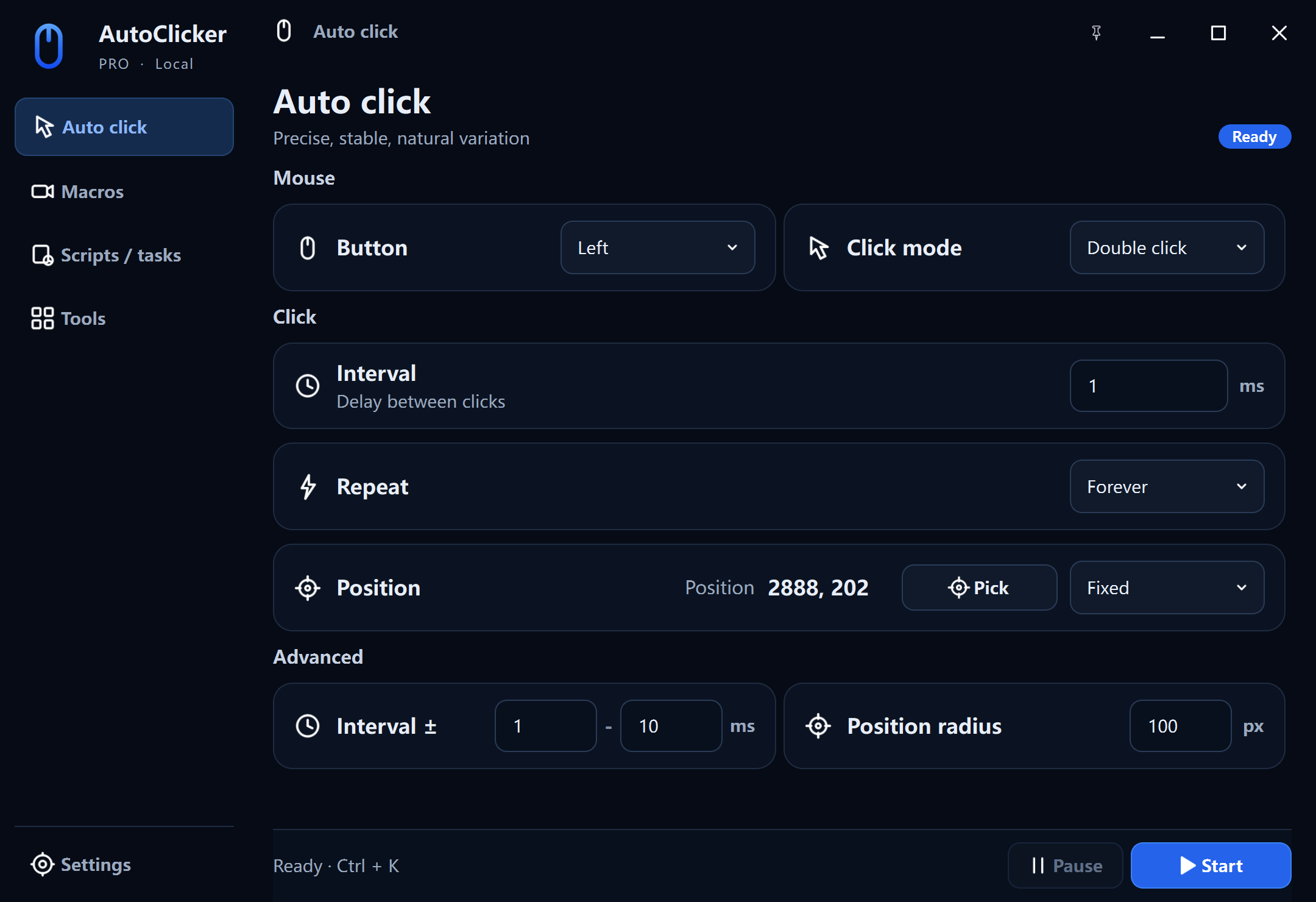
Full workspace
Precise clicking, editable macros, scheduled scripts, cursor highlighting, and CPS tools.
Windows 10/11 · Microsoft Store
Store name: AT AutoClicker
Download Microsoft’s lightweight installer with the button below.
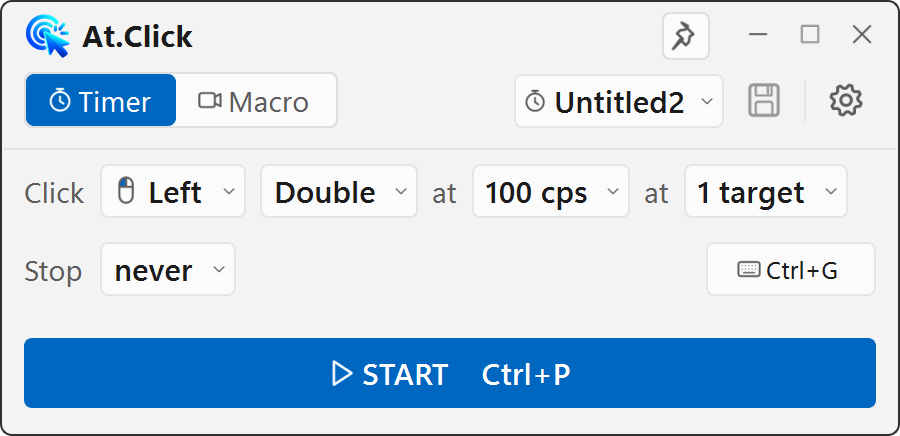
Free forever
A compact timer and macro control panel with no account or subscription required.
Windows 10/11 · x64
Loading release details…
No release notes loaded.
SHA-256: —
The download button gets your installer directly from Microsoft. To view the Store page, use the listing link below the download button.
For the free edition’s direct download, compare the file’s SHA-256 value with the manifest shown above.
Contact support for help with either edition.
Download FAQ
Yes. AutoClicker is the compact free edition with automatic clicking, multi-target sequences, macro recording, and global hotkeys. It does not require an account or subscription.
The free edition focuses on a small timer and macro panel. Pro adds a larger workspace with action-level macro editing, scheduled tasks, cursor highlighting, and CPS tools.
Yes. The current 64-bit installers support Windows 11 and Windows 10.
Click Download for Windows above to download Microsoft’s lightweight .exe installer. Open that file on a supported Windows device to download and install the app. The Store listing is named AT AutoClicker.
The downloaded file is a small web installer. Open it to install AutoClicker Pro from Microsoft Store. You can also use the Store listing link below the download button.